
Merchant payments · Gibraltar Payment interface case study
C.EX Pay
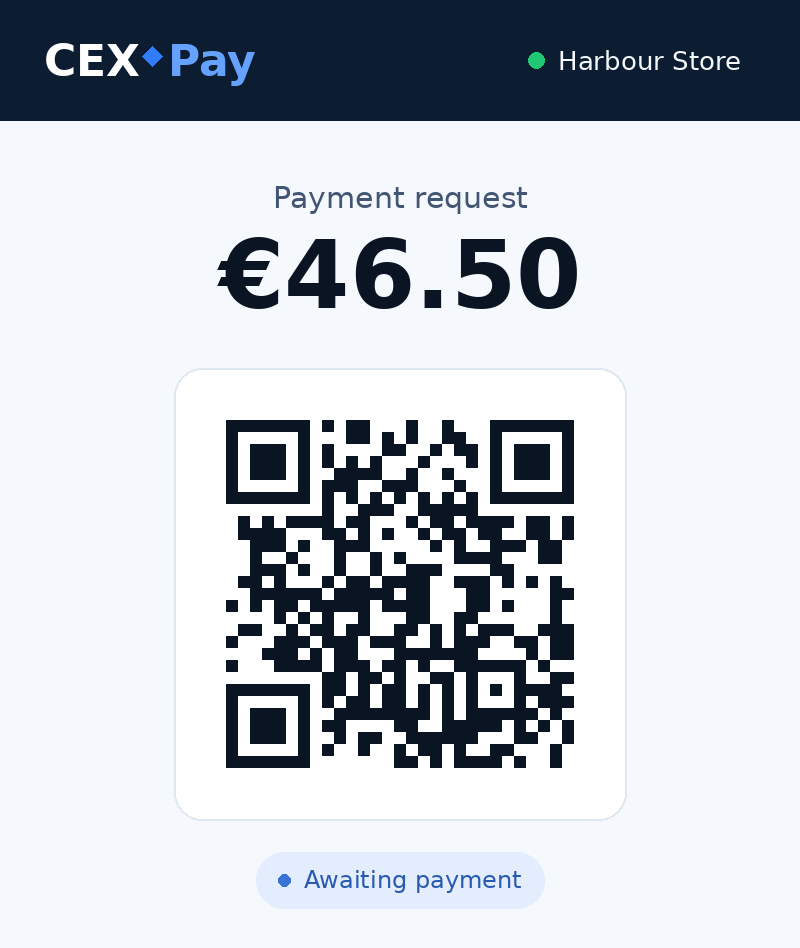
For crypto micro payments at a till, the merchant needs a price in euros and the customer needs an amount to approve in their wallet. We designed a QR checkout that carries the sale from one screen to the other.

Start With The Till
For a €46.50 sale, the cashier enters the amount on the terminal’s keypad and chooses “Create QR Code”. The request belongs to the merchant, so the cashier can return to the transaction history to check its status. The customer continues on their own phone.
What The Customer Sees Before Confirming
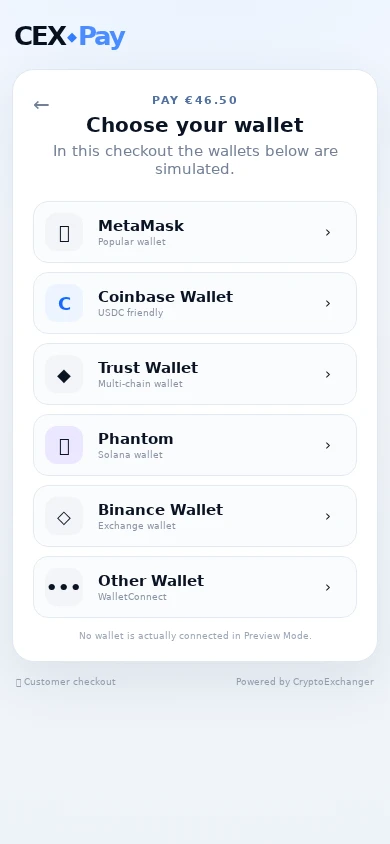
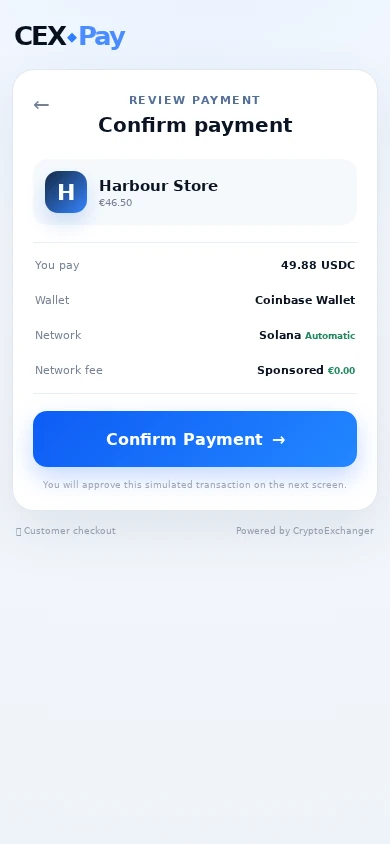
The checkout offers a wallet selection, followed by a confirmation screen. The merchant name and euro price stay in view while the customer checks the USDC amount, wallet, network and fee. Bringing those details together gives the customer a chance to catch a wrong amount or wallet before confirming.
Wallet approval and blockchain settlement are simulated. The screens show the hand-off between cashier and customer through to a payment status.
Case study updated