
Property Websites & Real Estate Systems
Make properties easy to search, compare and enquire about. Connect the presentation with your listing data, agency workflow and follow-up process.
Plan Your Property WebsiteMake Listings Easy To Explore.
A property website should give visitors clear photographs, key details, location information and an obvious enquiry route. Search and filters should reflect the property types and areas your agency covers.
Explore The Almaris Homes Showcase.
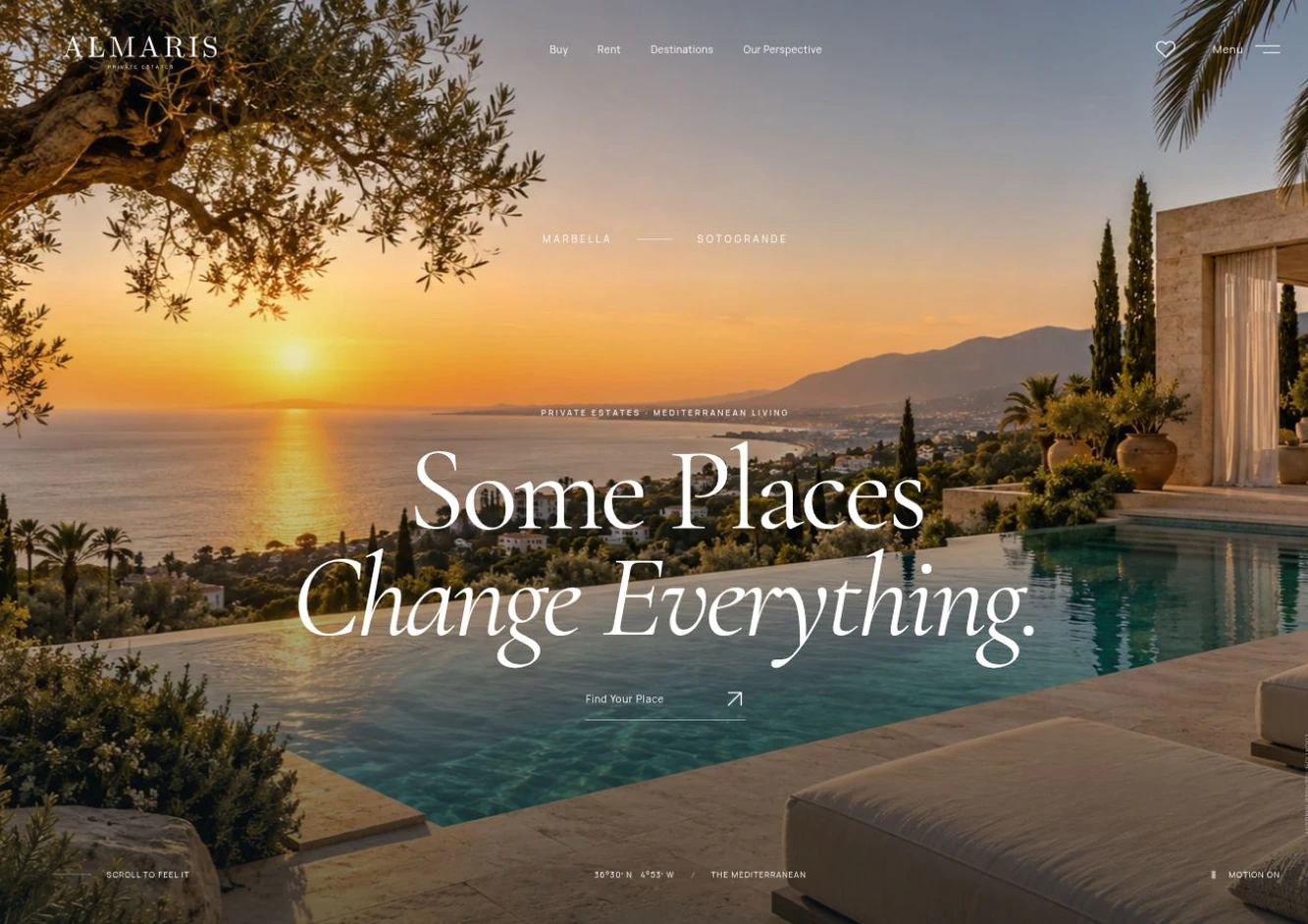
See a property journey for Marbella and Sotogrande with Buy and Rent search, saved residences and comparison. The Almaris Homes case study explains the showcase and its illustrative concept imagery.
Connect The Administrative Work.
We can scope listing management, property feeds, enquiry routing and client workflows around your business. Sales, long-term rental and short-term availability have different requirements, so each needs a clear brief.
Where another system owns the listing data, define which fields are imported, how updates are scheduled and how duplicate or withdrawn properties are handled.
Plan Content And Launch.
Agree who supplies property imagery, descriptions and translations, and who keeps them current. Test listing updates and enquiry delivery before launch, with an ongoing maintenance plan for connected feeds and software.