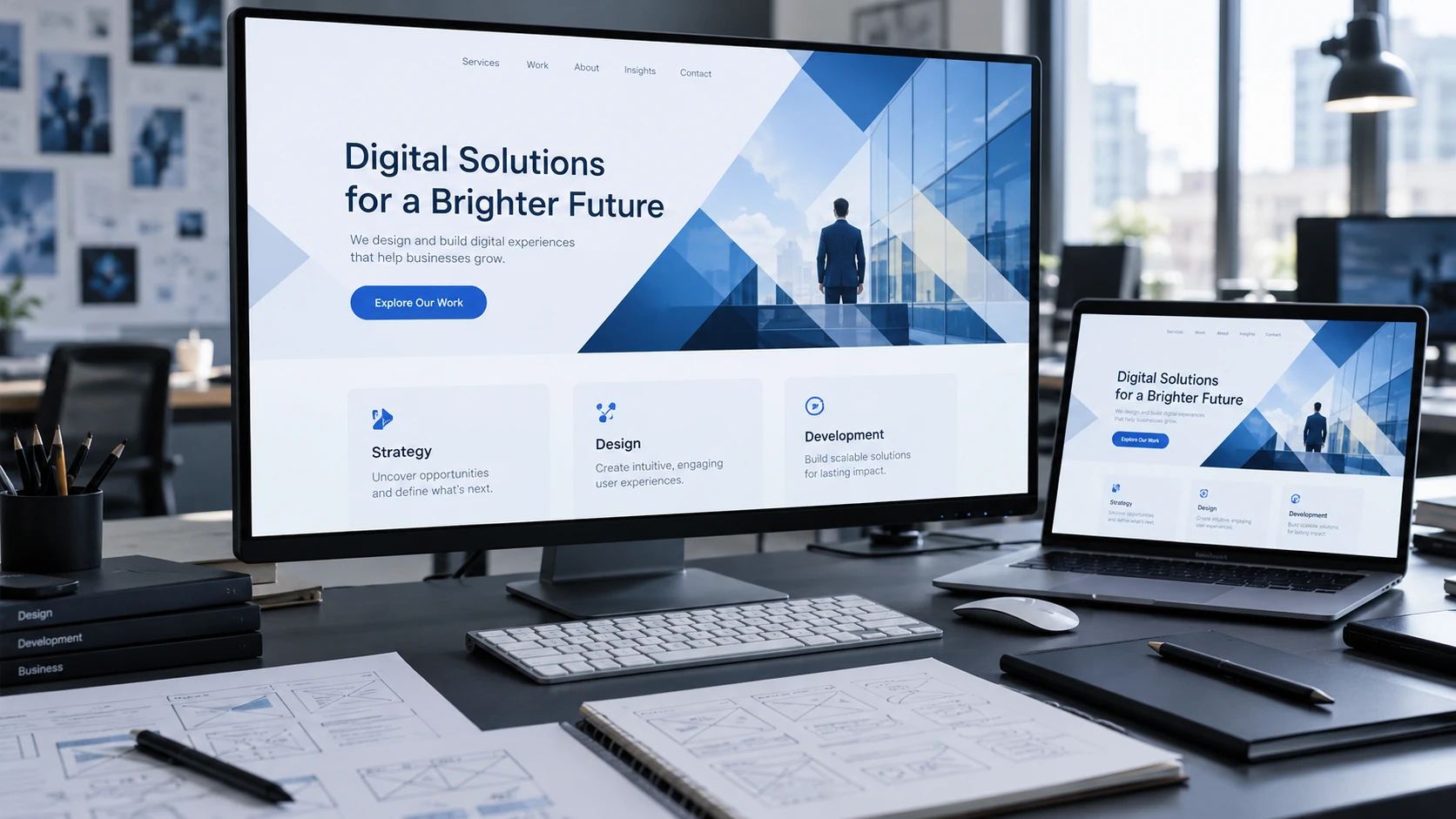
Mobile Website Design In Marbella: What To Check
Someone browsing a Marbella business on a phone may be travelling, comparing suppliers or trying to make a quick enquiry. The page needs to work in that setting, without forcing the visitor to fight the layout.
Someone browsing a Marbella business on a phone may be travelling, comparing suppliers or trying to make a quick enquiry. The page needs to work in that setting, without forcing the visitor to fight the layout.
Read The Page On A Narrow Screen
Check that the main heading explains the offer and that paragraphs remain comfortable to read. Look for clipped words, wide tables and images that push useful information far down the page. Keep the same essential content available on mobile as on desktop.
Complete The Enquiry Yourself
Open the menu, choose a service and submit a test through the approved test route. Check the keyboard type, validation and confirmation message. Fixed banners and floating buttons should not cover the final field or submit control.
Review Media And Movement
Use appropriately sized images and avoid loading every gallery item at full resolution immediately. Keep motion optional where possible and make controls understandable without hover. Test on an ordinary mobile connection; a fast office computer can hide delays customers experience every day.